Plain .md files
A vault is just a folder. Sync it with Git, iCloud, Dropbox — or don't. No hidden database, nothing proprietary, nothing to migrate out of.
 ZenNotes
ZenNotes keeps every note as a local .md file you
own — with real Vim motions, live math & diagrams, an MCP
server for your assistant, and a bundled zen CLI.
Native on Mac, Windows, and Linux, or self-host in any browser.
Motions, operators, registers, marks, macros, folds, the ex prompt. All of it works the way your muscle memory expects, because it's real Vim underneath — not a sprinkle of shortcuts dressed up as one.
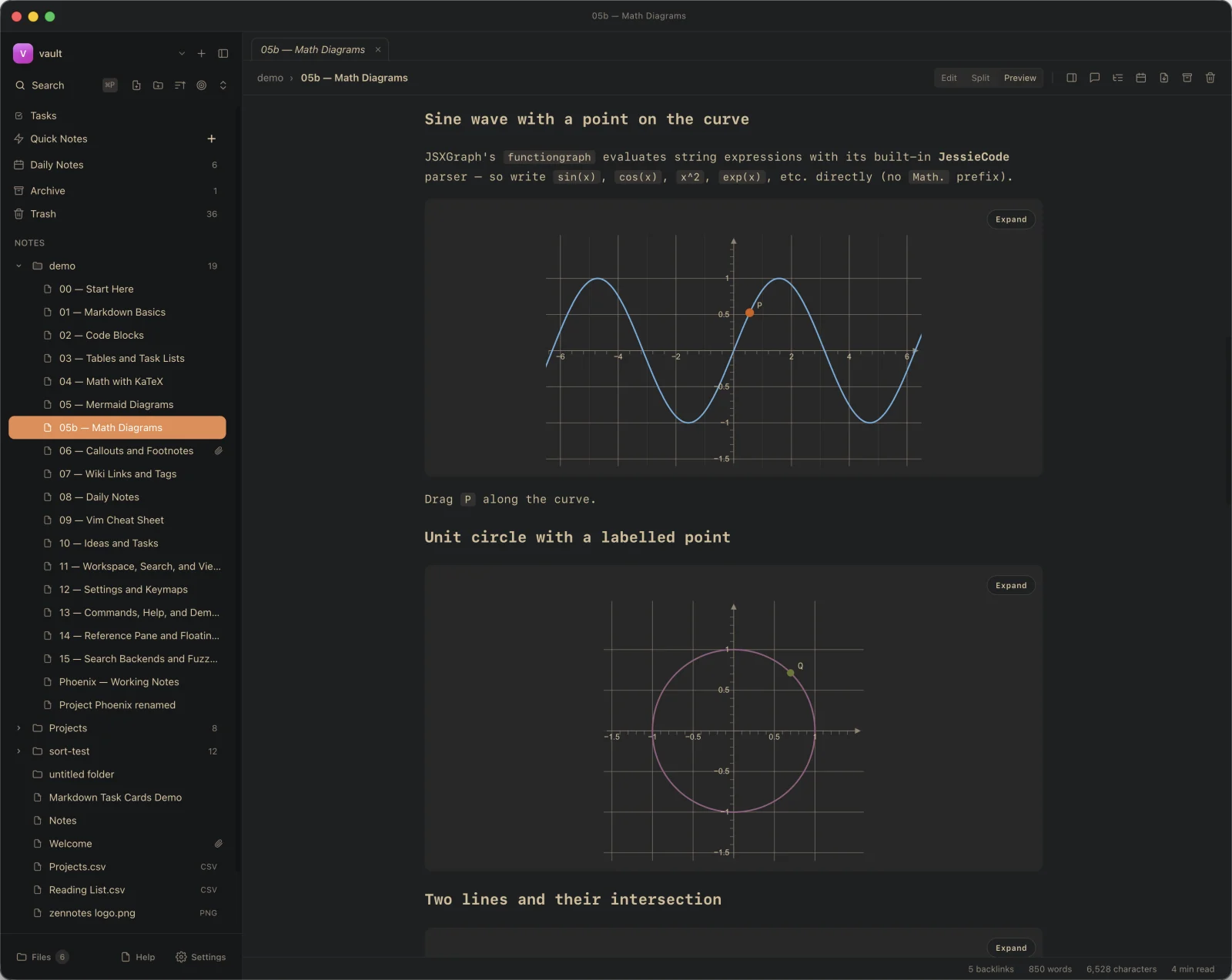
Math with KaTeX. Diagrams with Mermaid, TikZ, JSXGraph, and function-plot — all of it rendered from ordinary fenced code blocks. The files stay plain text under the hood, so there's nothing to migrate out of later if you change your mind.
Read the docs# Gradient descent
Minimise $f(\theta)$ by stepping
against its gradient:
```math
\theta_{t+1} = \theta_t - \eta\nabla f(\theta_t)
```
```mermaid
flowchart LR
start --> step --> check
check --> step
check --> done
```Gradient descent
Minimise f(θ) by stepping against its gradient:
There's an MCP server in the box, with one-click setup for Claude Code, Claude Desktop, and Codex. Your assistant edits the same Markdown files you do, straight on disk — no second copy, no sync layer to babysit.
> Summarize my notes tagged #graphics
tool zennotes.search_by_tag "graphics"
→ 4 notes found
Across four notes you’re circling one idea: SDFs give cheap implicit geometry, and anti-aliased coverage falls out almost for free…
> ▍
zen ships with the desktop app. Read and
write notes, search, tag, toggle tasks, capture
straight from a pipe, run the MCP server. Pass
--json on anything and the output drops
cleanly into jq or wherever your shell
wants to send it. Install from Settings → CLI
in one click.
$ zen capture "Meeting takeaways" --tag work
→ inbox/2026-04-29-meeting-takeaways.md
$ pbpaste | zen append inbox/Daily.md --body -
$ zen search "deadline" --json | jq '.[].path'
"inbox/Q2-Plan.md"
"projects/Launch.md"
$ zen task list --unchecked --tag work
$ ▍
One keyboard-first app for capture, writing, and finding — with no database, no sync layer, and nothing to migrate out of.
.md filesA vault is just a folder. Sync it with Git, iCloud, Dropbox — or don't. No hidden database, nothing proprietary, nothing to migrate out of.
Split a tab side-by-side, pin a reference, or pop a note into its own floating window.
KaTeX inline and in blocks. Mermaid, TikZ, JSXGraph, and function-plot render straight from fenced code.
Write #tag anywhere. Check - [ ] tasks vault-wide. Follow [[wikilinks]] and chase unresolved ones.
Full-text search across every note. Uses ripgrep or fzf if you have them, the built-in engine if you don't.
One keystroke opens today's note. Auto-create ISO-dated dailies in a folder you choose.
Point ZenNotes at a vault you already have. Loose files show up in the tree, ![[image.png]] embeds resolve, and the layout is read from disk so new notes land where you'd expect.
Type / for headings, callouts, code blocks, tables, and links. Type @ for dates.
Highlight a passage, drop a comment in the side panel. The marker stays anchored as you edit around it.
One keystroke strips every sidebar, tab, and status bar. Only the editor or preview stays on screen.
Native on Mac, Windows, and Linux. Or self-host the web app from the published adibhanna/zennotes Docker image and open it from any browser on your network.
Light and dark theme families. Pick separate fonts for UI, prose, and code — sized for a long writing session.
A Quick Note, a daily note, or a fresh inbox buffer — one keystroke from anywhere in the app.
⎵qStay in normal mode and edit with motions. Live preview renders math, diagrams, and plots as you go.
iFuzzy note finder, outline jumps, buffer switching, which-key overlays — every surface keyboard-first.
⎵fMove between inbox, archive, and trash from the ex line. Tasks, tags, and backlinks stay in sync.
:mvFree, open source, and yours. Pick your platform to start the download.
AppImage won't launch on Arch/CachyOS/Fedora? Those ship FUSE 3 — install fuse2, run with --appimage-extract-and-run, or just use the AUR / .pacman / .deb package.
Self-hosting? Run the published adibhanna/zennotes Docker image
or grab the source
on GitHub.